Want to create stunning AI-driven animations where your characters never morph or drift? You’ve come to the right place. In this post, we’ll compare the top AI video generators that specialize in keeping characters 100% consistent across every frame—whether you’re going for anime-style 2D, CGI realism, or live-action/3D compositing. We’ll start with a handy comparison table, then dive deep into each tool’s strengths, best uses, pricing, tutorials, and sample outputs. Enjoy!
Comparison Table: Key Features at a Glance
| Tool | Strengths | Limitations | Best Use Cases |
|---|---|---|---|
| Pollo AI | – Perfect subject consistency with reference images (keeps character identical every frame). – Integrates multiple models (realistic or anime) in one platform. – High-quality 1080p output; cinematic motion. – Flexible controls (aspect ratio, camera, length). | – Free tier has limited credits (few videos before upgrade). – No built-in 4K yet. – Slower generation speeds (quality-focused). – Primarily single subject at a time. | – Branded content where a single character/product must be consistent (e.g., an avatar in multiple scenarios). – Indie creators wanting cinematic text-to-video with robust continuity. – Marketers who need short, cohesive promotional clips without complex multi-character scenes. |
| PixVerse | – Excellent single-character consistency (no morphing) for 2D or 3D styles. – Smooth motion with realistic physics; minimal jitter. – Easy to use; generous free credits daily. – 4K upscaling for crisp results. – Web & Discord interfaces. | – Each clip limited to ~4 seconds (must stitch scenes for longer videos). – One character per video (no multi-character yet). – Complex prompts can produce minor artifacts (though improved in recent versions). – Heavy use requires paid plan. | – Quick social media clips (TikTok, reels) where short length and snappy visuals matter. – Anime or game concept demos—bring a single hero to life in short scenes. – Rapid story prototyping: visualize a character dancing, fighting, etc., then combine multiple 4-second clips. |
| Vidu AI | – Multi-entity consistency: can keep multiple characters/objects consistent in one clip. – Extremely fast generation (some previews in ~10 seconds). – Advanced model with strong prompt understanding. – Free monthly credits. | – Free plan restricted to 4-second clips, 80 credits/month. – Platform is newer; some features still in beta. – Reference images need to be high-quality for best continuity. – Cloud-based: may queue at busy times. | – Multi-character mini-stories: scenes with a hero, sidekick, and object all staying on-model. – Ultra-fast idea prototyping: quickly test different actions or settings. – Virtual influencer or consistent brand mascot across numerous short videos. |
| Morph Studio | – All-in-one suite: text-to-video, style transfer, editing (background removal, lip-sync). – Good character continuity, especially for detailed outfits/patterns. – Timeline and batch features for multi-scene projects. – Up to 4K, 60fps with advanced editing tools. | – Free plan limited to 720p. – Lots of features = steeper learning curve. – Transitions between segments may need manual smoothing. – Credit-based system can be costly for very long videos (though suitable for short/medium clips). | – Indie films and music videos: generate scenes, then refine them in one interface. – Pre-visualization for commercials or cinematic trailers, complete with editing. – Stylized content: paint-like or cartoon transforms for entire sequences. |
| Wonder Studio (Autodesk Flow) | – Perfect 3D character continuity: same rigged model across every frame. – Automatically replaces an actor with your CG character in live-action footage. – No mocap suit or manual keyframing needed. – Professional, realistic compositing with matched lighting. | – Requires real video footage + a 3D model (not text-to-video). – One character at a time (multi-character = multiple passes). – Paid tiers needed for HD/4K usage. – Some minimal cleanup might be required for complex scenes. | – Film/TV VFX: drop a CG creature into real footage seamlessly. – Rapid pre-viz for big-screen projects: see how your character interacts with live actors. – Indie creators who can film themselves and replace their performance with a 3D rig (robots, aliens, etc.)—all in the cloud. |
Introduction: The New Frontier of AI Animation
Maintaining the same character design, expressions, and movements in AI-generated video is one of the hardest challenges animators face—especially when you want your protagonist to appear in multiple scenes or episodes without suddenly “melting,” changing faces, or sprouting extra limbs. Fortunately, cutting-edge AI video tools have emerged that “lock” a character’s appearance, whether you’re creating short 2D or 3D clips, multi-scene stories, or even advanced live-action/3D composites.
Below, we’ll dive into five leading platforms pushing the boundaries of AI-generated video with near-perfect character consistency:
- Pollo AI – A one-stop AI video generator integrating multiple advanced models.
- PixVerse – Specializes in single-character 2D/3D animations with fluid motion.
- Vidu AI – Uniquely supports multiple consistent subjects in a single clip.
- Morph Studio – An all-in-one suite with editing tools, style transfer, and advanced references.
- Wonder Studio (Autodesk Flow) – Transforms live-action footage by replacing actors with rigged 3D characters.
We’ll show you how each one stacks up in terms of quality, ease of use, pricing, best use cases, and official resources.
1. Pollo AI – Consistent Character Across Multiple Scenes
Overview
Pollo AI is an all-in-one AI video suite recently praised for its “Consistent Character Video” feature. By uploading 1–3 reference images of your character, you can generate high-quality video clips in which that same character remains on-model from first frame to last. Pollo handles both realistic 3D and anime-style outputs, thanks to behind-the-scenes integration of multiple video models (Runway, Hailuo, PixVerse, etc.).
Character Continuity
Pollo’s new feature locks the character’s appearance—even if you generate different scene contexts. You could, for instance, create a series of clips starring your brand’s mascot in different locations, and the mascot stays visually identical. You can also keep a specific background or landmark consistent. The motion transitions are smooth and natural.
Ease of Use
Just head to their web interface, upload reference images, and either type a prompt or pick a scenario. Pollo’s “Character Profiles” let you store and reuse the same character design, so you can spin up multiple videos with minimal effort. It’s cloud-based; no coding or GPU required.
Output Quality & Speed
Pollo delivers cinematic, high-resolution videos up to 1080p. Speed is moderate—short clips typically take a couple of minutes, though simpler or lower-res versions can be rendered faster. The focus is on stable, detailed frames rather than ultra-fast generation.
Pricing
Pollo uses a freemium model, giving new users free credits for a few test videos. After that, paid subscriptions unlock more credits, watermarks removed, and additional length. The exact tiers are not publicly fixed but are described as “affordable monthly plans” with refresh credits.
2. PixVerse – Short, Ultra-Smooth Animations

Overview
PixVerse is a popular AI video generator originally for “image-to-video,” now upgraded to consistently animate a single character in short 4-second clips. You can chain these clips for longer scenes. It offers up to 4K upscaling, a choice of web or Discord bot usage, and daily free credits.
Character Continuity
PixVerse is known for near-flawless continuity on a single character. Whether they’re dancing, fighting, or hugging, their face and outfit remain constant frame to frame. PixVerse’s “Character” feature lets you name and save the design, so you can revisit it easily for multiple videos. Physics simulation is also advanced, yielding smooth, natural motion.
Ease of Use
Super simple: upload an image (or generate one in a tool like MidJourney), type a description of the action, pick camera movement, and generate. PixVerse quickly spits out a short 4s clip. You can refine or upscale to 4K at extra credit cost. Because each clip is short, it’s easy to iterate, but stitching them is required to form a longer narrative.
Output Quality & Speed
You can get 720p or 1080p output almost every time, with optional 4K upscaling. The motion is fluid with minimal flicker or morphing. Generation for a 4s clip usually finishes within a few minutes. Faster “Turbo” modes exist but may reduce fidelity.
Pricing
Freemium with daily credit refresh. Typically, 10 credits generate one 4-second video, and new users start with 200 credits plus 50 credits/day. Paid plans unlock more credits per month for heavier or commercial usage. Watermarks or restrictions might apply on the free tier.
3. Vidu AI – Multi-Entity Reference for Complex Scenes
Overview
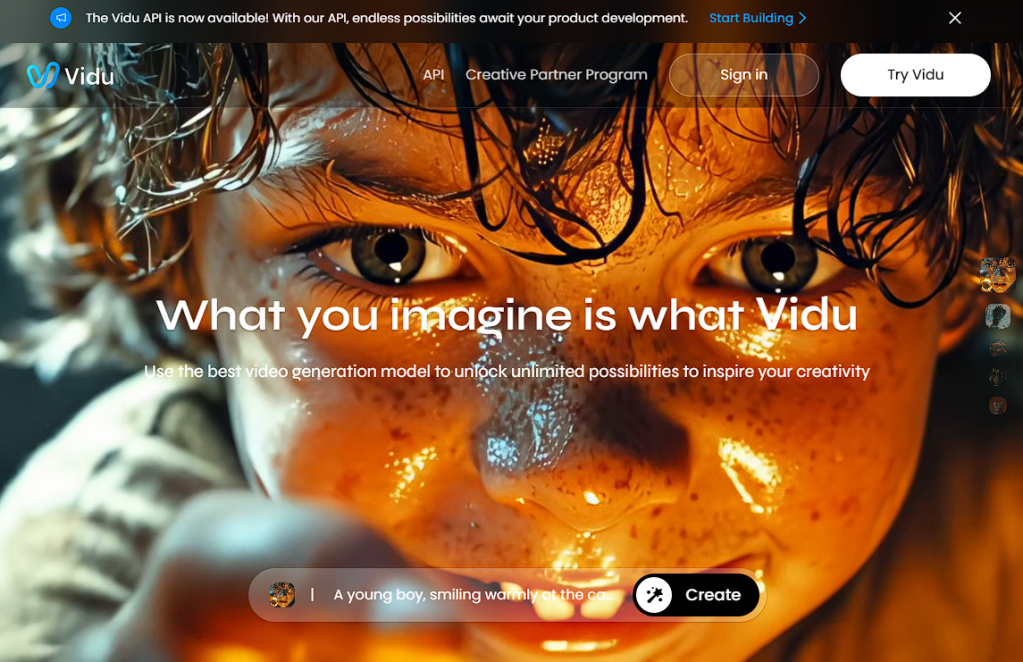
Vidu AI (sometimes called “VU AI”) is a powerful text-to-video tool that excels at “Multi-Entity Consistency”—you can upload multiple reference images (e.g., a hero, a sidekick, a specific prop) and generate a scene keeping all of them on-model at once. Vidu supports both realistic footage and animation styles. It’s known for lightning-fast generation (previews in seconds).
Character Continuity
Vidu’s reference system is advanced: each reference image can be locked to a subject in the prompt. Whether you want the same face across multiple videos or multiple distinct characters in a single clip, Vidu can handle it. Subtle features like eyes, outfits, and proportions remain stable even through movement. It’s a game-changer for short storytelling with multiple characters.
Ease of Use
The web-based Vidu Studio interface provides a style toggle (general/realistic vs. animation), a prompt box, and an upload area for references. You can choose clip length (free tier is usually 4s) and opt for upscaling. Everything happens in the cloud—no local hardware needed. Many tutorials and user tips are emerging since Vidu is fairly new, but the interface is straightforward.
Output Quality & Speed
Vidu is among the fastest: you can see a short preview in ~10 seconds, with final upscaling taking a bit more time. Visual fidelity is typically excellent, capturing details from the reference. The maximum resolution on the free tier might be limited to 720p, but paid plans allow HD or possibly higher.
Pricing
A freemium credits system. By default, you get 80 credits/month (good for about 20 short videos), resetting monthly. Paid subscriptions (Basic, Pro, etc.) provide more credits and longer clip durations. The free plan has no forced watermark, but you’ll be capped at 4-second clips unless you upgrade.
4. Morph Studio – A Full Production Suite
Overview
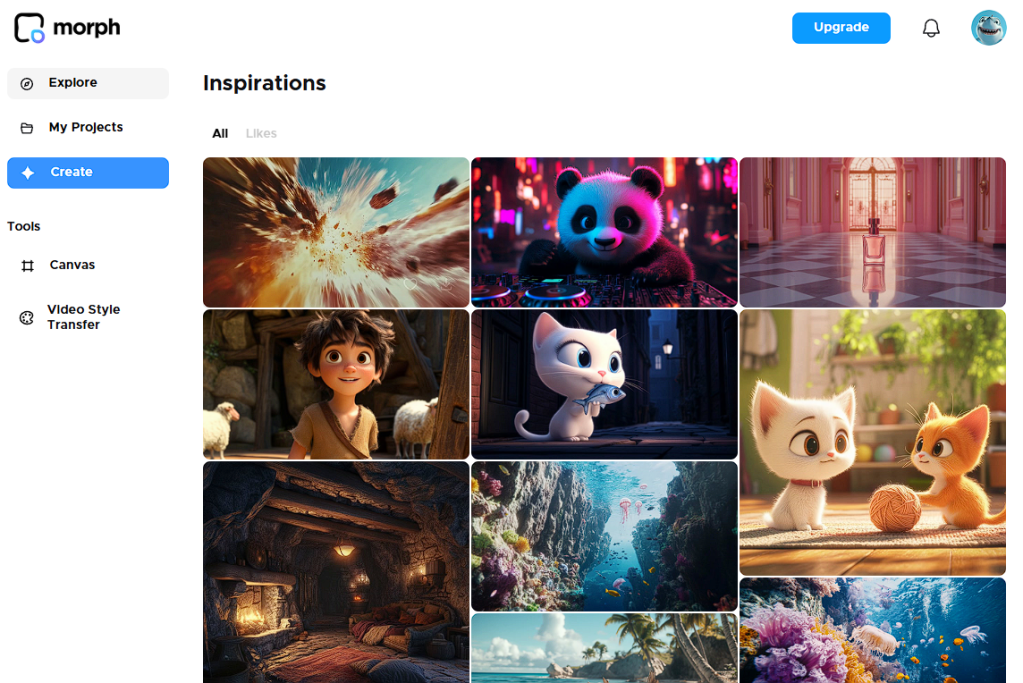
Morph Studio is an end-to-end AI video creation platform, combining text-to-video, style transfer, editing tools, and upscaling in one browser-based interface. You can do everything from background removal and lip-sync to multi-clip timelines and 4K 60fps output, all within Morph.
Character Continuity
While Morph initially focused on style transfer (turning real footage into an animated look), it recently introduced robust “Character” referencing. By uploading a reference image, you can animate that same character design across scenes. Because Morph also provides a timeline editor, you can produce longer multi-scene videos while preserving the same look. If tiny continuity slips happen, you can fix them manually with Morph’s editing brushes.
Ease of Use
It has more features than most platforms, so there’s a bit of a learning curve. However, if you’re familiar with basic video editing, Morph’s modules (Canvas, Generator, Style Transfer) are fairly intuitive. It’s entirely cloud-based, though large jobs may queue. For those wanting both generation and post-production in one place, Morph is ideal.
Output Quality & Speed
High-quality outputs up to 1080p on paid plans, plus an optional 4K 60fps upscale. Render times vary with complexity. Expect a few minutes for short standard clips—more for 4K or style transfers. Morph also allows batch processing if you want to handle multiple clips in one go. Its credit system charges based on video length and features used.
Pricing
Freemium with monthly credits:
- Free plan: 150 credits/month, 720p max.
- Basic ($7.99/mo): 1000 credits/month, up to 1080p, background/object removal, commercial use.
- Pro ($31.99/mo): 6000 credits/month, priority rendering, 4K access, advanced tools.
More credits can be purchased as needed.
5. Wonder Studio (Autodesk Flow) – 3D Character Replacement for Live-Action
Overview
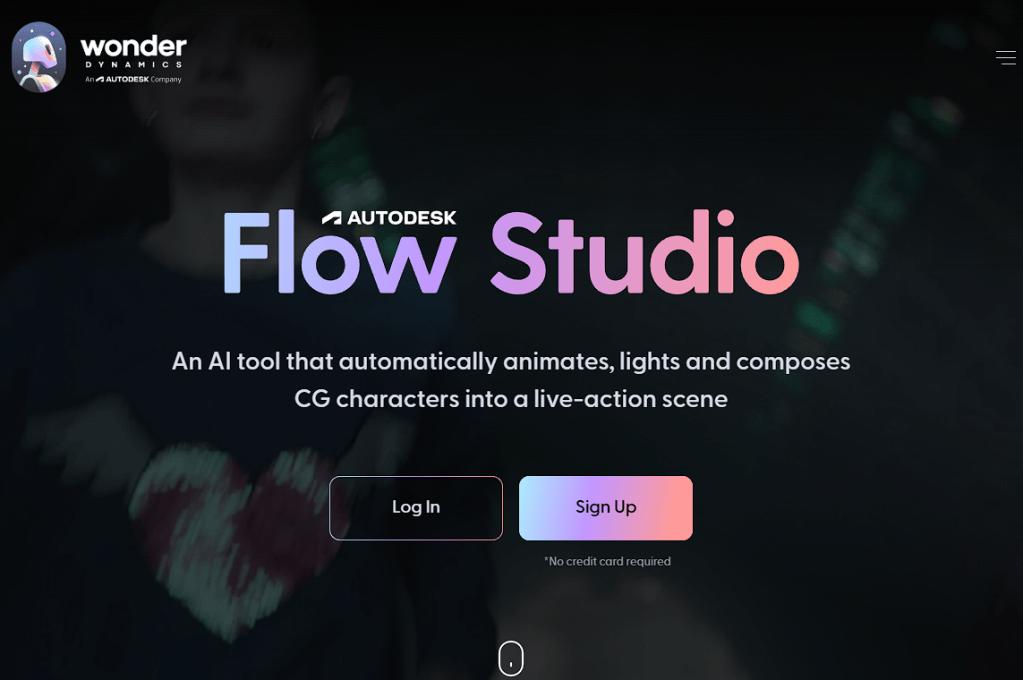
Wonder Studio (now Autodesk Flow Studio) is not a text-to-video tool. Instead, it automatically replaces a real actor in your footage with a rigged 3D character model, matching the actor’s motion, lighting, and placement—no mocap suit needed. It’s been described as “one-click motion capture” for filmmakers who want to integrate CG creatures into real-world footage.
Character Continuity
Because you supply a single 3D model, that model is consistent in every frame. Wonder Studio’s AI seamlessly tracks the actor’s performance across scene cuts, camera moves, and lighting changes. The result is an extremely stable CG character “performing” your motion in the final composite.
Ease of Use
Traditionally, achieving this required advanced VFX and manual keyframing. Wonder Studio handles it in the cloud: upload your video plus the 3D model (or pick from sample characters), then let it process. It can export final video or the project files for Blender/After Effects if you want to refine. There’s no coding or special hardware required—just a normal camera and your actor.
Output Quality & Speed
Output depends heavily on your 3D model. Wonder Studio will handle rigging, tracking, and basic lighting. Results can be near-professional VFX. Processing might take a bit (roughly a few minutes for a short clip) since it analyzes each frame, but it’s drastically faster than manual animation. Higher resolutions (up to 4K) are available on paid tiers.
Pricing
Now under Autodesk, Wonder Studio offers subscriptions. A Starter plan ($25/month) allows 1080p, while Pro ($125/month) enables 4K, more storage, and priority rendering. Free trials exist but are limited in resolution and total frames processed.
Conclusion: A New Era of AI Animation
From storyboarding short clips to producing entire cinematic sequences, these AI video generators have shattered the old barrier of character drift. Whether you prefer quick single-character clips (PixVerse), advanced multi-subject continuity (Vidu AI), or 3D rig replacements in real footage (Wonder Studio), there’s a tool that can keep your protagonist looking perfect across every scene.
As AI evolves, expect better resolutions, longer duration videos without stitching, and even more multi-character interactions. For now, dive in with the tutorials above and harness the remarkable consistency these tools provide. Let your creativity run wild—your characters will stay firmly on-model from the first frame to the last!
(All product and brand names are property of their respective owners. Tools and features discussed are accurate as of 2025.)
 Şebnem Köken
Leave a comment